Loading brand data...

Discover innovative water solutions with StreamLabs. Elevate your water management today.
Monthly traffic, revenue estimates and visitor behavior — based on public data.
StreamLabsWater (streamlabswater.myshopify.com) is a United States-based online store specializing in /Home & Garden. The store is generating approximately $258K in monthly revenue, attracting 29K monthly visitors, with a catalog of 2 products. This brand ranks as a growing store with steady visitor engagement in its category. Their technology stack includes Also Bought • CBB, Checkout Blocks, and Judge.me Product Reviews App for enhanced store functionality. Geographic distribution shows 70% of traffic from United States, followed by 7% from India.
Get precise traffic data
Exact visitor counts, traffic sources, geographic breakdowns & profit margins.
Top 6 products from this store.

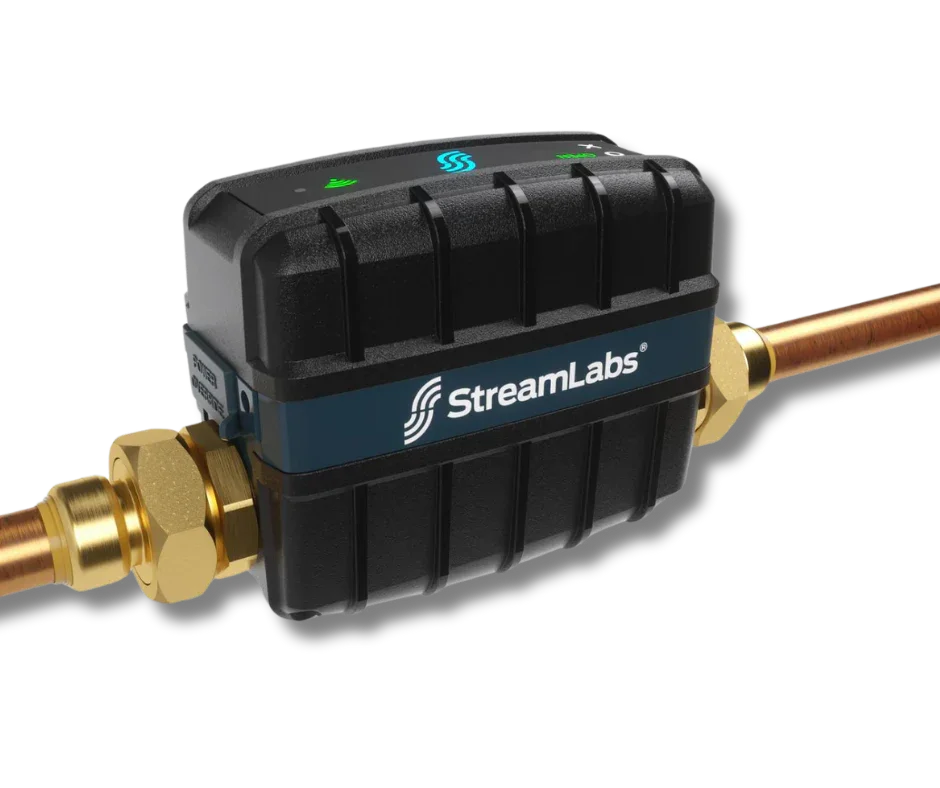
The StreamLabs Control is a smart automatic water shut-off valve designed with state-of-the-art ultrasonic flow metering technology to monitor and protect your entire home plumbing system. Through the StreamLabs App, the Control tracks and reports water usage by hour, day, and month, and sends alerts when leaks or freeze conditions are detected. Featuring home and away modes, the Control automatically shuts off water if a leak is detected with Smart Alerts learning leak detection. With its advanced technology and convenient tracking capabilities, the StreamLabs Control offers peace of mind for homeowners by avoiding costly water damage and alerting you to potential issues before they become emergencies. With features such as automatic shut-off and leak detection, it's the smart choice for protecting your entire home plumbing system. Frequently Asked Questions: Can I install the Control myself, or should I call a plumber? The Control is an in-line water monitoring device, meaning that the pipe must be cut during installation. If you are not comfortable doing this, we highly recommend calling a plumber to install the device for you. You should also check your building code (some buildings require all plumbing work to be done by a licensed professional) as well as your homeowner's or renter's insurance policy. The Control comes included with physical installation instructions . What is Drip Detect™? Drip Detect™ is the Control's way of checking your plumbing for small, easy-to-miss leaks which produce so little flow they would otherwise be undetectable. An old or damaged toilet fill valves, corrosion in copper pipes, a loose connection in an appliance such as a washing machine or ice maker, or a dripping faucet can all cause these easy-to-miss leaks. Here's how it works: Select when and how often you'd like the Control to perform the Drip Detect test. It can be scheduled for any day at any time. For example, you can set it to run on the first of every month, every Tuesday, or even every day. It’s important to note that the default setting for Drip Detect is set to “On” for the 1st day of every month at 3:00 AM EST. At the scheduled time, the Control will close the valve for up to 10 minutes. If you happen to use water during the test, the Control will automatically open the valve and postpone the test. The Control will try to perform the test again an hour later. The Control uses a combination of information, including pressure and flow within your pipes to determine whether there may be water loss from your plumbing system (e.g. a pinhole leak or dripping faucet). At the end of the test, the Control will reopen the valve and send you a notification if an issue was detected. With Drip Detect, you are secure in knowing that even the smallest of problems in your home plumbing won't escape your notice. What is the smallest leak the Control can detect? The StreamLabs Control can detect very slow leaks in two ways: Leak Alerts: Home Mode: Both the Slow Leak (manual mode) and SmartAlerts® (learning mode) alerts can detect flow as low as 0.1 GPM . The duration setting for Slow Leak alert is configurable to 1, 5, 10, 15, 20, 30, and 60 minutes. Learn more about Manual Mode Leak Alerts. Away Mode: By default, the Control will send an Away mode leak alert if any water flows above 0.1 GPM for longer than 15 seconds. The duration setting is configurable to 5 secs, 15 secs, 30 secs, 1 min, and 5 mins). Learn more about Away Mode Leak Alerts. Will the Control still protect my house from leaks if the Wi-Fi goes out? The Control will still shut your water off if it detects a leak, even if it does not have an active Wi-Fi connection, as long as Auto-Shut is enabled in the Streamlabs Control settings. Auto-Shut will close the valve any time a leak is detected, with or without Wi-Fi. However, if the Control is not connected to Wi-Fi, it will not report water usage or live flow rates to the Streamlabs App, and you will be unable to open or close the valve from the Streamlabs App. You will still be able to manually open or close the valve by pressing the buttons on top of the Control itself. Where should I install the Control? The main water entry line may be located in a basement, utility closet, garage, or crawlspace depending on which type of dwelling it is (a house, townhome or apartment). The main water entry line should have a shutoff valve used to stop the water supply to the home. (Note: this product is not intended to replace the main shutoff valve in a dwelling.) The main water entry line is typically near the water heater. It is the line that splits into the water heater and the cold water for the building. Install the Control on the main water line, before any branches to other appliances, and after the shutoff valve and pressure-reducing valve (PRV) . Installing on a pipe other than the main line will not allow you to see all water usage in your home. The Control should only be installed indoors or in a covered, enclosed area where it is safe from excessive moisture, temperature fluctuations, wind, and direct sunlight (such as a crawlspace). Note: If you don't have a PRV, you may need to disable your pressure alerts. This device is not intended to serve as the main shutoff valve for your line. Do not install this product on a fire suppression system. Please Note: Consider checking your Wi-Fi signal strength at this location before installing the Control. The Control requires a 2.4ghz Wi-Fi connection for operation. Try opening a browser page on your phone from this location to ensure you receive a signal. The chosen install location must also be in range of a standard wall outlet. The included power supply can reach an outlet a linear distance of 10 feet away from the installation spot. 25-foot and 50-foot extension cords are available on our site.


Imagine the comfort of knowing your home is safe, even when you're miles away. The StreamLabs Scout water leak sensor offers that peace of mind—vigilantly protecting against unexpected leaks and monitoring for temperature and humidity swings that could spell trouble. Hear the reassuring beep if something goes wrong or receive instant notifications on your phone via Wi-Fi, so you’re always in control. Thousands trust StreamLabs to guard their homes from costly damage, blending cutting-edge technology with effortless convenience. Pair multiple Scouts with a StreamLabs Control for automatic shutoff at the first sign of danger or connect them to a Monitor for thorough protection—even in those hard-to-reach places. Don’t let hidden leaks or sudden freezes catch you off guard! Experience smart protection today. Stay cozy, secure, and one step ahead—choose StreamLabs Scout and safeguard your sanctuary now. Frequently Asked Questions: Where should I Place the Scout? Can I install the Scout outdoors? The Scout is designed for indoor use. It can be installed in crawlspaces, garages, sheds, and outdoor enclosures, or in a location where it is shielded from precipitation, condensation, or direct sunlight. The Scout should not be installed outdoors or in a location where it is exposed to precipitation, condensation, or direct sunlight. How can I maximize chances of detecting a le ak? In order to detect water, the Scout must be placed in a position where it is likely to come in contact with water from leaks. Place the Scout in low points that water is likely to drain toward Do NOT place the Scout in elevated locations unless it is being used in conjunction with an optional Rope Sensor or Point Of Leak Sensor Extend Rope Sensors to maximize the area of leak detection under or around sinks, appliances, or fixtures Place and secure Point Of Leak Sensors at a low point in close proximity to the appliance or fixture being monitored For Plumbing Leaks We recommend placing the Scout near appliances and fixtures that may experience plumbing leaks, including: water heaters, washing machines, icemakers, dishwashers, under sinks, near water softeners and filters, and bathrooms. if you have a StreamLabs Control installed in the same Location in your StreamLabs App, leaks detected by the Scout will automatically alert the Control to shut off water. For non-Plumbing Leaks We recommended placing the Scout near systems and in areas that may be prone to non-plumbing leaks, including: Air conditioning condensate pans, near sump pumps, below-grade pump-outs, near lower lever exterior entries that may see weather-related flooding In these cases, if you have a StreamLabs Control installed in the same Location in your StreamLabs App, you can disable auto-shutoff of the Control by going to Alert Settings for the Scout. For Freeze Alerts We recommend placing the Scout in areas where exposed pipes may be subject to occasional freezing temperatures, including: attics garages crawl spaces Does Scout Work With My Other StreamLabs Products? Can I use the StreamLabs Scout with my StreamLabs Control or StreamLabs Monitor? Yes! The StreamLabs Scout can be used by itself by creating a new Location in the StreamLabs App, or it can be added to an existing location in your StreamLabs App account that has either a Control or a Monitor When added to a Location in the App with a StreamLabs Control, the Scout is configured out-of-the-box to automatically trigger the Control to close the valve when water is detected How many Scouts can I use with my App? You can add up to 5 Scouts to a Location in two different locations in the free version of the StreamLabs app. This is in addition to having either 1 Control or 1 Monitor in those locations. With the StreamPlus App subscription, you can add up to 10 Scouts per Location, with up to 5 Locations (in addition to Monitors or Controls in those Locations). How do I configure my Scout to cause my Control to automatically close? When added to a Location in the App with a StreamLabs Control, the Scout is configured out-of-the-box to automatically trigger the Control to close the valve when water is detected Alerts and auto-shutoff settings can be easily adjusted in the StreamLabs App NOTE: The Scout MUST be added to the same location as your Control in order to automatically cause the Control to close the valve

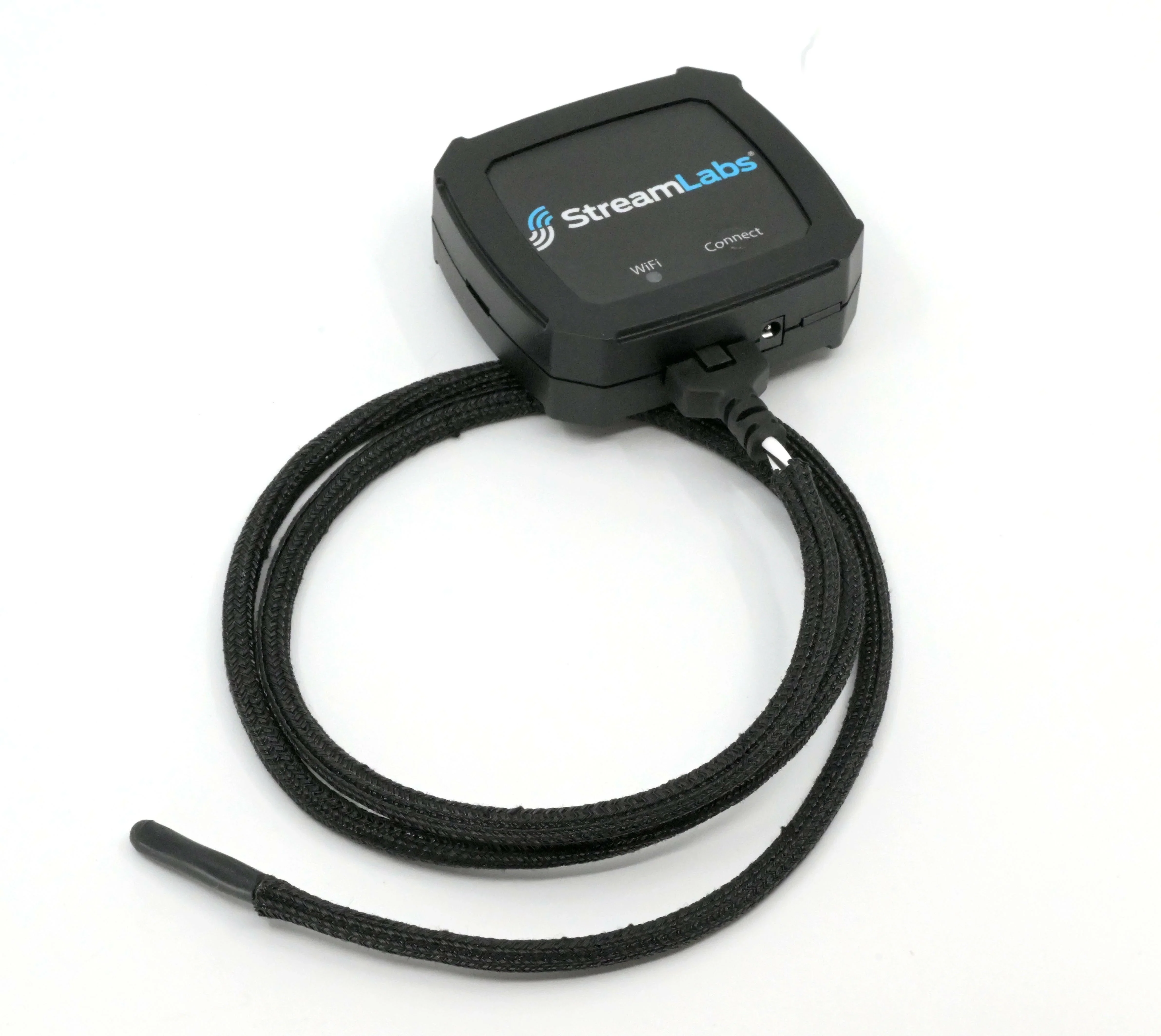
For use with the StreamLabs Scout Includes one (1) 3ft. rope sensor that detects water anywhere along its length The rope sensor can be positioned under sinks, underneath appliances (washing machine, refrigerator, dishwasher), around water heaters and sump pumps, or anywhere you want to keep an eye out for water in places it shouldn't be. The 3-ft. rope allows you to mount the Scout and position the rope sensor as needed to increase the area of leak detection. The Scout 3-ft. Rope Sensor Accessory is versatile and easy to use. With its 3-ft. rope, you can easily position the sensor around appliances, sinks, and water heaters to quickly detect any leaks. This increases the overall area of leak detection in your home, giving you peace of mind and saving you from costly water damage.

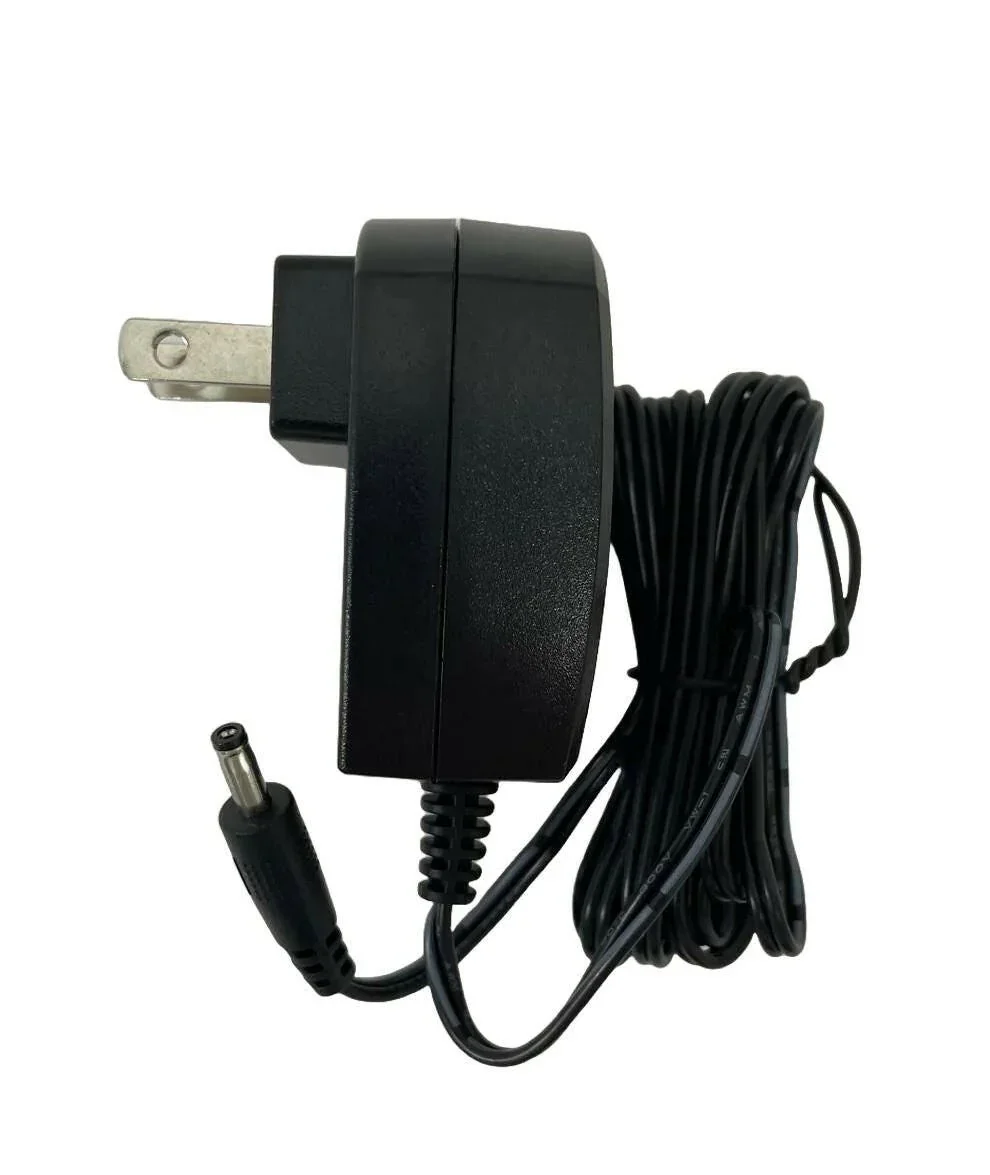
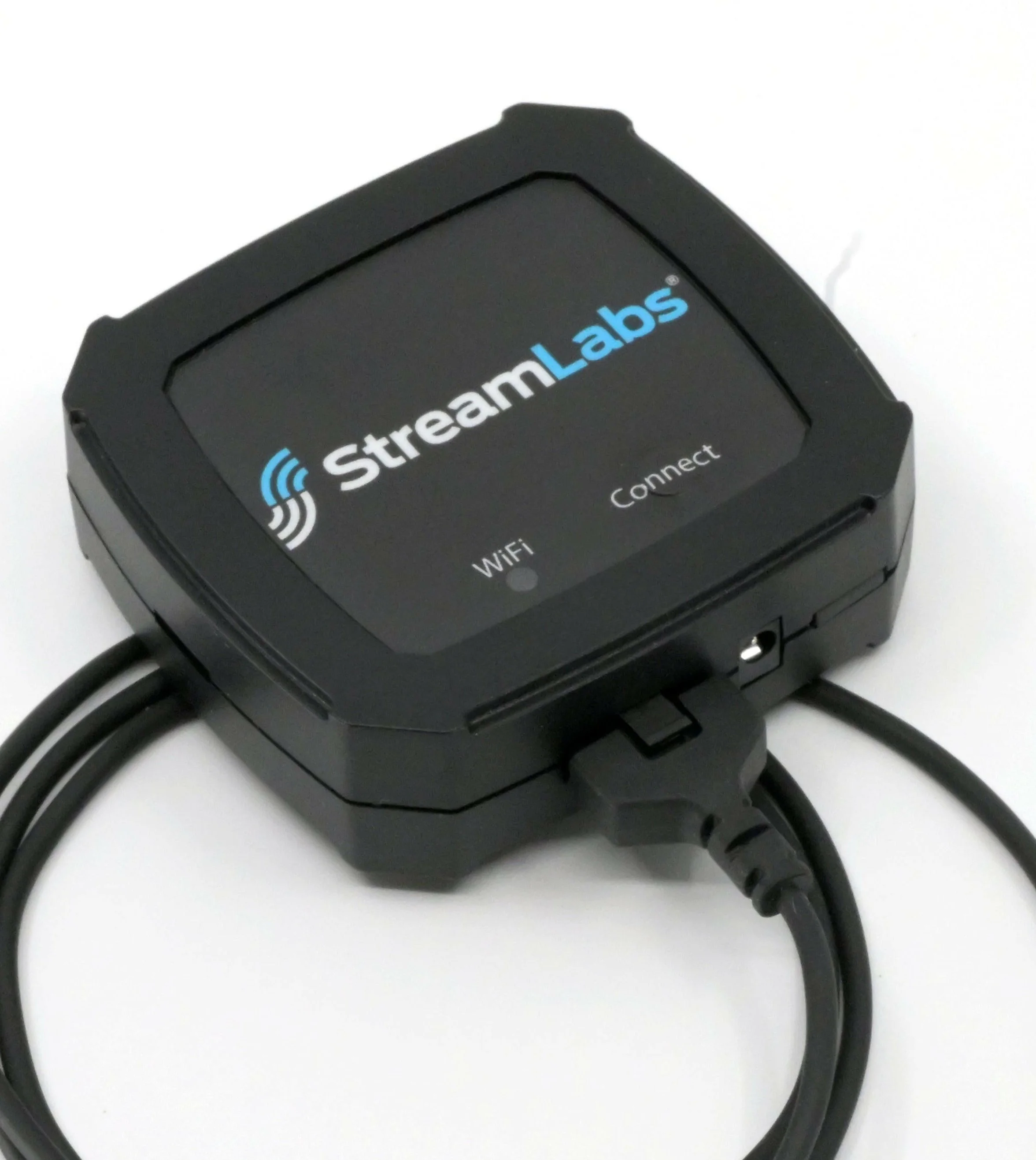
With the optional 3.3V DC power supply, the included CR-123 battery that comes with the Scout acts as a battery backup. Includes: DC Power Supply with 4ft 8in of usable cord.

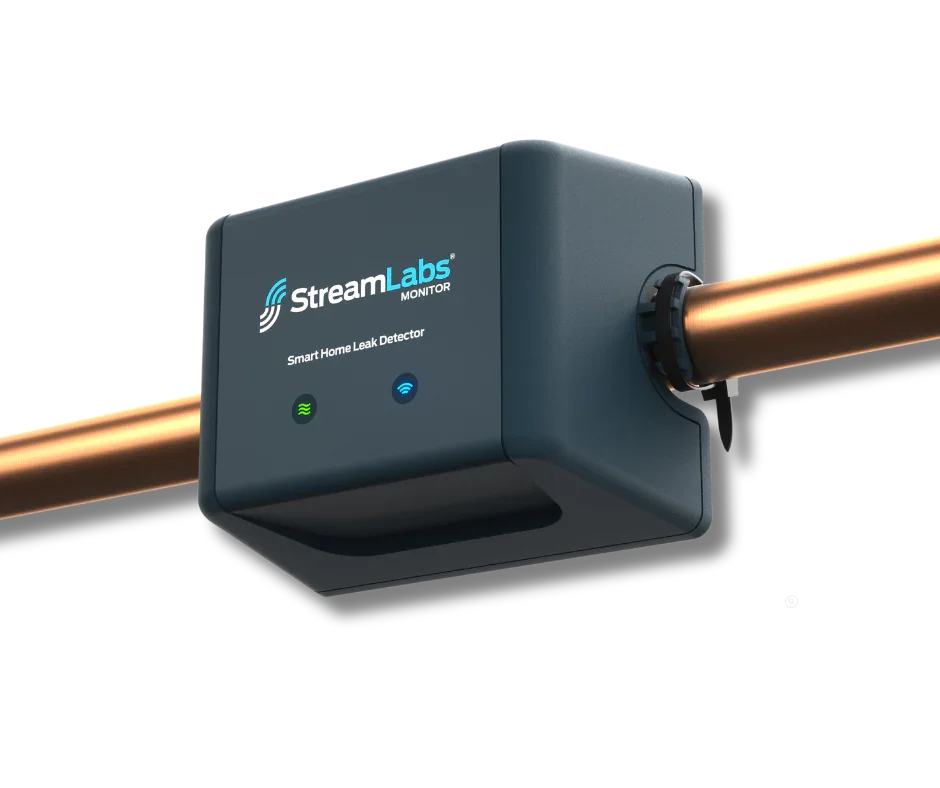
Imagine never worrying about water leaks or wasted resources again. The StreamLabs Monitor transforms your home into a sanctuary of safety, giving you complete control over your water usage with just a touch. Feel the confidence that comes from real-time leak alerts—delivered straight to your phone via Wi-Fi connection—even when you're away. No need for complex installation; simply attach it to your existing pipes and let the patented ultrasonic technology do the work, silently monitoring every drop. Join thousands of satisfied homeowners who have already protected their homes from expensive water damage while reducing their utility bills. Pair with the StreamLabs App and Scout for seamless tracking and whole-home coverage against plumbing and non-plumbing leaks alike. Don’t wait until disaster strikes: embrace peace of mind, save precious water, and safeguard what matters most today! Make StreamLabs Monitor part of your smart home routine now. Frequently Asked Questions; Where should I install the Monitor? The main water entry line may be located in a basement, utility closet, garage, or crawlspace based on which type of dwelling it is (a house, townhome or apartment). The main water entry line should have a shutoff valve used to stop the water supply to the home. The main water entry line is typically near the water heater. It is the line that splits into the hot water heater and the cold water for the building. Install the Monitor on the main water line, before any branches to other appliances . Installing on a pipe other than the main line will not allow you to see the total water usage in your home. Locate a section of pipe that is near the valve and has at least five inches of straight, continuous, uninterrupted pipe. Do not install the Monitor on top of a pipe joint or coupling - it must be a straight segment of uninterrupted pipe. Ensure that your Monitor is installed directly and securely on the pipe. The Monitor may be installed vertically or horizontally as long as it is securely fastened to the pipe using the included zip-ties. We do not recommend installing the Monitor outdoors, and doing so will void the product's warranty. The Monitor needs to be installed in a location where it is shielded from direct sunlight, excessive moisture such as rain, dramatic temperature fluctuations, and wind. Crawlspaces, garages, sheds, and weatherproof, outdoor enclosures are all acceptable installation locations as well as anywhere else that is indoors or inside the house. Please Note: Consider checking your Wi-Fi signal strength at this location before mounting the Monitor. Try opening a browser page on your phone from this location to ensure you receive a signal. The chosen install location must also be in range of a standard wall outlet. The included power supply can reach an outlet a linear distance of 10 feet away from the installation spot. What type of pipe is the Monitor compatible with? Supported Pipe Diameters ¾” Copper Tube Standard 1” Copper Tube Standard This is the standard for home plumbing pipes and refers to the nominal pipe diameter (outer diameter). Most homes have ¾” or 1” pipes. Supported Pipe Materials CPVC PEX COPPER (TYPE M) COPPER (TYPE L) How should I clean the pipe before I install the Monitor? Use a fabric household cloth or rag to gently clean the section of pipe intended for install. This should adequately remove any paint, dust, and loose dirt from the installation site. In the case of excessive dirt and debris, only use a cloth or rag dampened with water to clean the pipe around the installation site. Do not use household cleaners or solvents to clean the pipe. Don’t be alarmed if debris, paint, or dust remains on the installation location after cleaning. A little bit of debris, paint, or dust will not affect the Monitor's accuracy or performance. If you are unable to get a signal, please refer to our troubleshooting article. If you are still experiencing problems with the installation, our customer support team may have a recommendation for a secondary cleaning tool. What is the smallest leak the Monitor can detect? The Monitor can detect a leak as small as .25gpm/5 minutes.

For use with the StreamLabs Scout Includes one (1) Point of Leak sensor with 3-ft. cable. The Point of Leak sensor can be positioned near the floor in a bathroom, in a drain pan for HVAC or water heater, or anywhere you want to keep an eye out for water in places it shouldn't be 3-ft. cable allows you to mount the Scout out of sight and position the sensor where needed. With the StreamLabs Scout, one (1) Point of Leak sensor is included with a 3-ft. cable. This allows for flexible placement near the floor in a bathroom, drain pan, or anywhere water may pose a problem. The 3-ft. cable also allows for discreet placement of the Scout and positioning of the sensor in the ideal location.
Organic vs paid traffic, top SEO keywords and geographic audience distribution.
Last 12 months
3 ad creatives running on Meta platforms. Analyze messaging, targeting strategy, and creative angles.

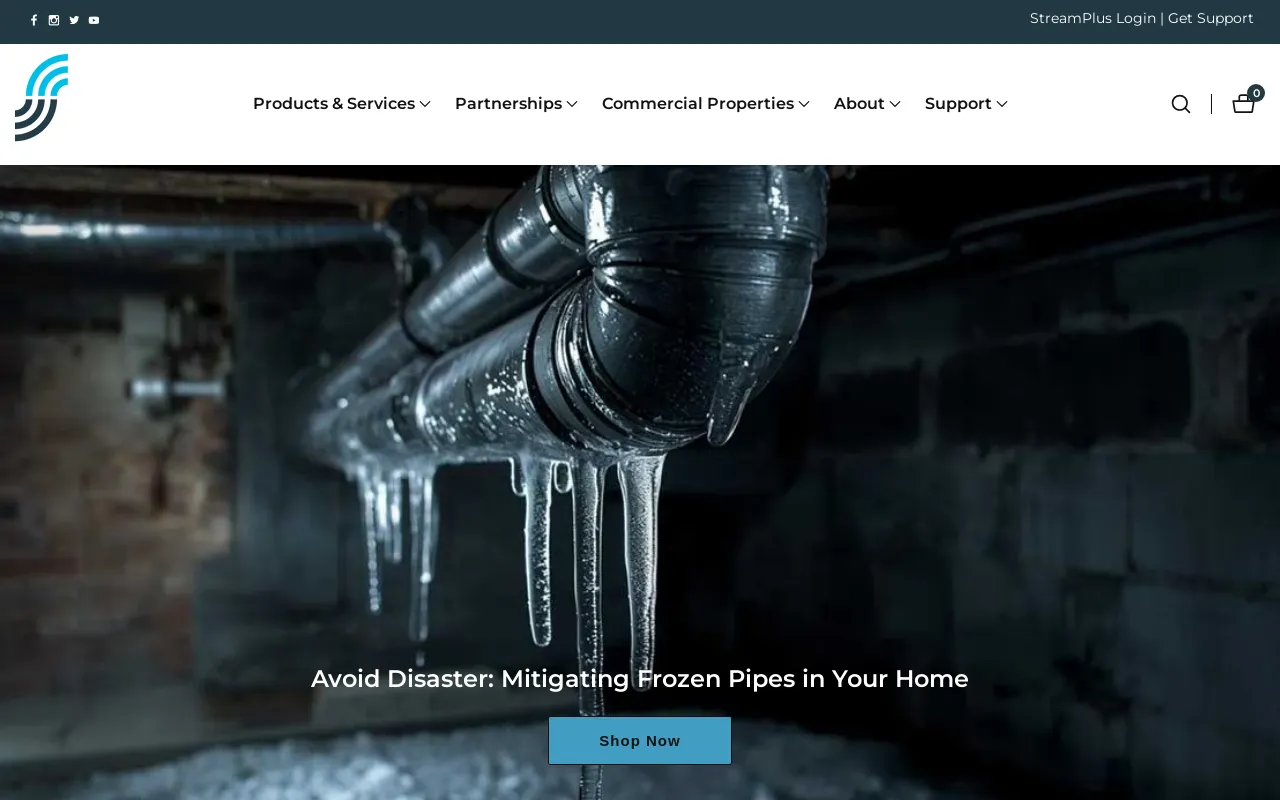
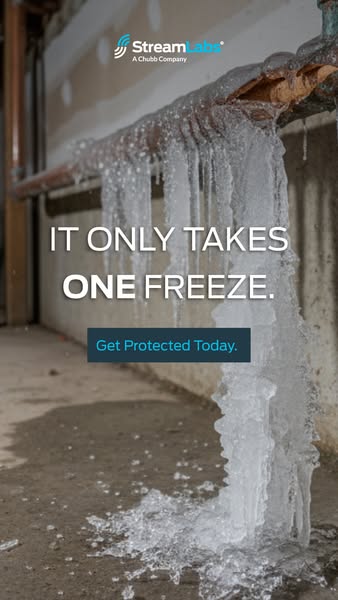
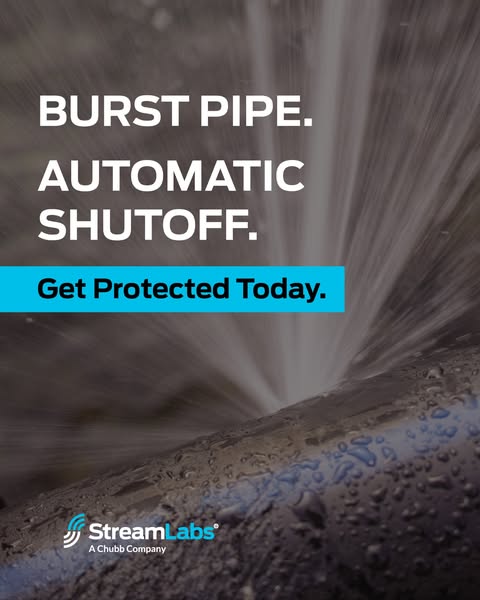
One frozen pipe can cause thousands in damage. StreamLabs alerts you before pipes freeze so you can protect your home before it’s too late.

One frozen pipe can cause thousands in damage. StreamLabs alerts you before pipes freeze so you can protect your home before it’s too late.

One frozen pipe can cause thousands in damage. StreamLabs alerts you before pipes freeze so you can protect your home before it’s too late.
1 more ad creatives
Ad spend, audience targeting & creative performance
Complete breakdown of Shopify apps, marketing tools, analytics platforms, and conversion optimization technologies powering this e-commerce store's operations.
Showing 5 technologies • 3 more available

Security, reliability and speed everywhere, powered by an intelligent global network.

Arrive gives you accurate and timely updates on everything you order, across all online retailers.

Make contactless, secure purchases in stores, in apps, and on the web.
Showing 5 applications
Easily collect and display unlimited product reviews and ratings. Use social proof to grow sales.
Grow your contact list and convert new leads with Shopify’s customizable forms tool.
Premium product recommendations to increase your sales via cross-sell and product discoverability
Get winning data you can't find anywhere else, save 95% of your time, and replace $1500+/m in tools. The platform built to make you rich fast for sure.
"The ability to see exactly what creatives are scaling for our competitors is a cheat code. We've improved our hit rate on new ad launches by over 300%."


Showing 6 of 6 similar stores with overlapping products, audience, and strategies.


See all competitors, ad creatives, and marketing strategies for StreamLabsWater.
Start free


Everything you need to know about streamlabswater.com
According to BrandSearch data, streamlabswater.com's product catalog includes 2 items. Analyze their winning products, trending items, pricing strategies, product descriptions, and top sellers. See which products drive the most revenue and learn from their product selection strategy to find your own winning products for dropshipping or private label.
According to BrandSearch analytics, streamlabswater.com receives approximately 29,156 monthly visitors. BrandSearch provides detailed traffic analytics including organic vs paid traffic sources, geographic distribution, bounce rates, session duration, and estimated monthly revenue ranges. Use these performance metrics to benchmark your own e-commerce store and set realistic growth targets.
Yes! BrandSearch's ad intelligence reveals streamlabswater.com's complete Meta advertising strategy including all Facebook ads, Instagram ads, and ad creatives. Analyze their ad copy, visual hooks, call-to-actions, targeting strategies, and promotional offers. Study their winning ad creatives to inspire your own Facebook and Instagram advertising campaigns and improve your ROAS (Return on Ad Spend).
BrandSearch's technology detection identifies streamlabswater.com's complete tech stack including all Shopify apps, theme, payment processors, email marketing tools, analytics platforms, and conversion optimization apps. See which apps they use for reviews, upsells, abandoned cart recovery, SEO, and social proof. Copy their winning tech stack to build a high-converting e-commerce store without trial and error.
BrandSearch provides full competitive intelligence on streamlabswater.com: traffic sources (organic SEO, paid ads, social media, email), top SEO keywords driving traffic, geographic markets, customer demographics, advertising spend estimates, and growth trends. Identify gaps in their product range, find underserved niches, analyze their pricing strategy, and discover opportunities to differentiate your brand. Perfect for competitive analysis and market research.
BrandSearch helps you identify streamlabswater.com's business model by analyzing their product catalog, supplier patterns, shipping locations, pricing margins, and product uniqueness. See if they're running a dropshipping operation, selling private label products, or manufacturing their own goods. Learn from their product sourcing and fulfillment strategies to optimize your own e-commerce operations.


See every product, winning ad, traffic source and revenue signal behind StreamLabsWater — in seconds.
Explore other stores similar to StreamLabsWater